
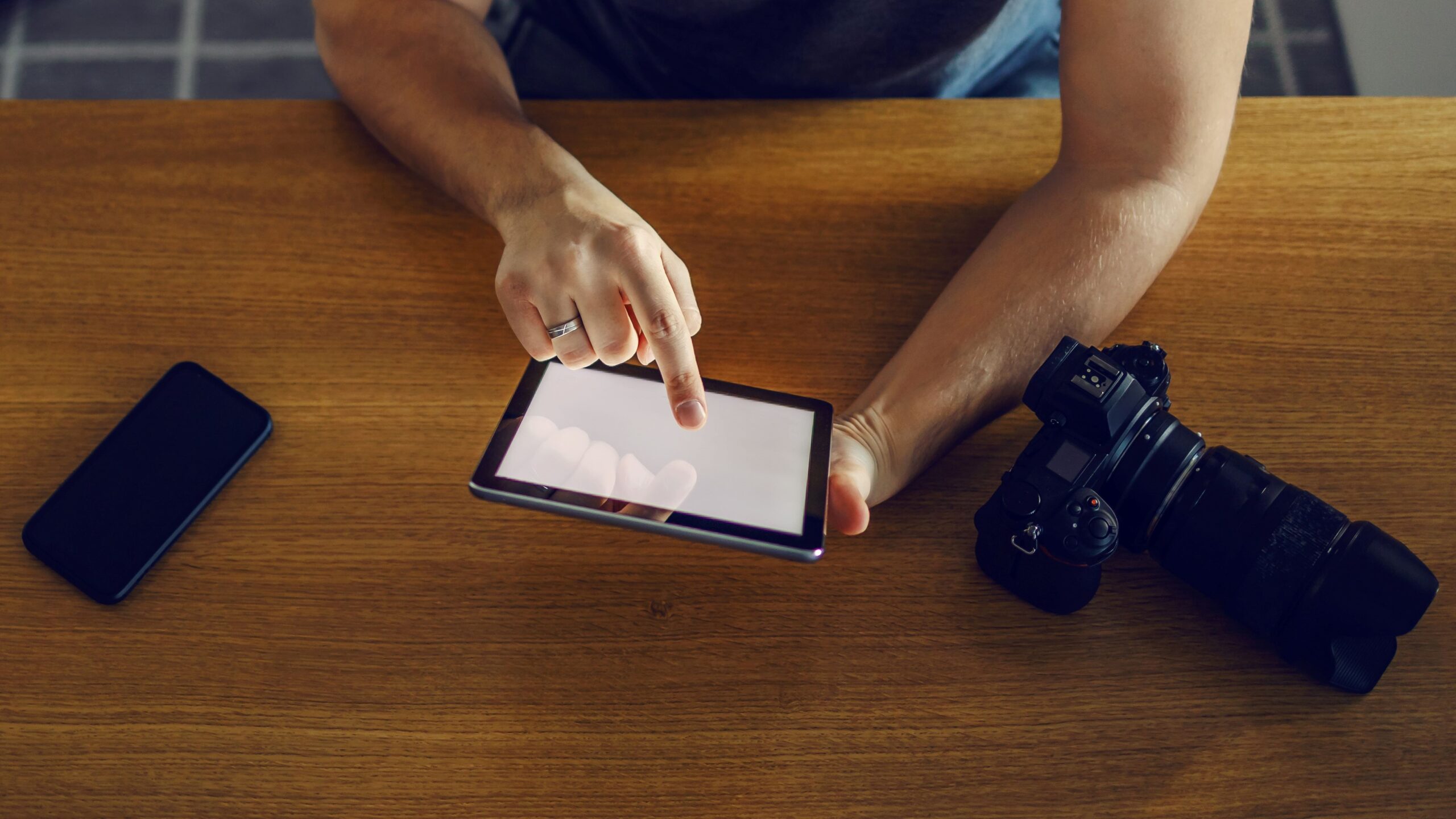
Document photography isn’t about snapping scenic landscapes or dreamy sunsets. It’s about clarity, precision, and readability. Whether you’re photographing a legal contract, a page from a rare book, or receipts for your tax guy, your goal is simple: capture every detail clearly. No shadows, no blur, and absolutely no chopped-off corners.
Why Getting It Right Actually Matters
When it comes to photographing documents, precision isn’t just a nice-to-have—it’s absolutely crucial. Your camera acts as your eyes, capturing every detail that the human eye needs to see clearly and accurately. A single blurry letter or a skewed corner can completely change the meaning of a document, which can lead to costly misunderstandings or mistakes. Imagine submitting an important contract or legal form where a date or figure is illegible because of poor photo quality—it could mean delays, disputes, or even the rejection of your paperwork altogether. In many professional and legal settings, clarity is non-negotiable, and this is why the choice of equipment plays such a vital role.
Moreover, the consequences of not getting the document image right can ripple far beyond just inconvenience. In business, it could affect audit results or tax filings; in academia, it could compromise research accuracy; in healthcare, it could lead to errors in patient records. The stakes can be incredibly high depending on the context. That’s why investing in the right tools and knowing how to properly capture documents ensures you avoid potential headaches later. It’s about safeguarding the integrity of the information and ensuring that the captured image is a trustworthy replica of the original.
There’s also the aspect of efficiency and professionalism. When your document photos come out crisp, well-lit, and perfectly framed, you save time in editing and re-shooting. It streamlines workflows and lets you or your team process information faster. On the flip side, poor document photography forces constant retakes, confusion over unclear text, and extra effort spent correcting errors. Whether you’re a freelancer, a business professional, or just managing personal records, getting the capture right the first time means less hassle and a smoother experience overall.
Finally, in today’s digital world, documents are often scanned, archived, and shared widely across platforms and devices. The quality of your initial capture impacts how these digital versions hold up over time. Low-quality images can degrade further with compression or format changes, making important details disappear. High-quality document photos, however, maintain their legibility and usefulness far into the future. So, getting it right isn’t just about the moment you take the picture—it’s about preserving the value and clarity of your documents for whenever they might be needed down the line.
Mobile Phones for Document Photography
Let’s be honest—your phone is probably the device you have closest to you almost all the time, even closer than your toothbrush! Modern smartphones have evolved tremendously, especially when it comes to their cameras. They come packed with intelligent camera systems that leverage smart AI technology to optimize photos automatically, and many even feature dedicated document scanning modes that make snapping clear, readable images of papers a breeze. Here’s a detailed look at the advantages and drawbacks of using a mobile phone for document photography:
- Always With You: Mobile phones are incredibly portable and accessible. Since most people carry their phones everywhere, it means you can capture documents anytime and anywhere without needing extra equipment or preparation.
- User-Friendly Operation: Mobile phones are designed for simplicity. Usually, all it takes is opening the camera app and tapping a button to capture a document. There’s no need for complex settings or manual adjustments, making it ideal for quick, everyday use.
- Wide Range of Scanning Apps: There is an abundance of apps designed specifically for document scanning, such as CamScanner, Adobe Scan, and Google Drive’s built-in scanner. These apps come with handy features like auto-cropping, perspective correction, and text enhancement to improve the quality of the scanned documents instantly.
- Artificial Intelligence Enhancements: Modern smartphones use AI to automatically detect edges, crop photos to the exact size of the document, and adjust brightness and contrast for maximum readability. This eliminates the need for manual editing and ensures consistent results.
- Instant Cloud Synchronization: After capturing documents, mobile phones make it easy to upload files directly to cloud storage services like Dropbox, Google Drive, or OneDrive. You can also quickly share scans via email or messaging apps, streamlining your workflow.
- Limited Manual Control: Unlike professional cameras, most mobile phones offer limited control over technical settings like ISO, shutter speed, and aperture. This can sometimes restrict your ability to adjust for tricky lighting conditions or capture fine details exactly how you want.
- Lower Performance in Low Light: Although smartphone cameras have improved low-light capabilities, they still struggle compared to dedicated cameras. Document photos taken in dim or uneven lighting can appear grainy, blurred, or washed out, which impacts readability.
- Lack of True Optical Zoom: Many smartphones rely on digital zoom rather than true optical zoom. Digital zoom crops and enlarges the image, reducing sharpness and clarity. This limitation can be problematic when photographing documents with very small or dense text, where fine details matter.
DSLR Cameras for Document Photography
| Aspect | Description | Advantages | Drawbacks | Why It Matters for Document Photography |
| Image Quality & Sharpness | DSLRs feature large, high-resolution sensors that capture fine details with remarkable clarity. | Unmatched sharpness ensures every letter, stamp, or signature is crystal clear. | None at this level; image quality is often superior to other devices. | Sharp images are critical for legibility and professional documentation. |
| Manual Controls | Full manual settings allow adjustment of ISO, shutter speed, aperture, and focus. | You can optimize settings for any lighting or document condition. | Requires photography knowledge and practice to use effectively. | Precise control avoids glare, blur, or shadow, improving document clarity. |
| Lens Options | Interchangeable lenses provide options like macro lenses for close-up shots or prime lenses for sharpness. | Customizing lenses lets you capture tiny text or wide pages flawlessly. | Additional cost and complexity managing multiple lenses. | Specific lenses enhance detail capture, especially for complex or unusual documents. |
| Lighting Flexibility | Supports external flashes, diffusers, and continuous lighting setups. | Better control over light reduces shadows and reflections. | Extra equipment adds bulk and setup time. | Good lighting is essential for even illumination and avoiding unreadable areas. |
| Portability & Convenience | Larger body size and heavier gear make DSLRs less portable than smartphones. | Durable build quality suitable for professional environments. | Bulky, heavier, and less convenient for quick or casual use. | Bulkiness limits spontaneous document capture but offers a professional setup. |
Ease of Use: Who Takes the Crown?
When it comes to ease of use, mobile phones clearly take the lead. The sheer convenience of having a powerful camera right in your pocket makes document photography as simple as opening the camera app and tapping a button. There’s no need for complicated setups, extra equipment, or deep technical knowledge. You can instantly capture a document, crop it, adjust it, and share it within seconds. This seamless experience is especially valuable for everyday tasks like scanning receipts, signing contracts on the go, or quickly digitizing pages without any fuss.
On the other hand, DSLR cameras, while offering superior quality, come with a much steeper learning curve and require more preparation. Setting up a DSLR for document photography often means adjusting multiple settings such as focus, aperture, shutter speed, and white balance. Sometimes you need additional equipment like a tripod or external lighting to get the best results. This can be time-consuming and impractical, especially if you need to capture documents quickly or in informal environments. Moreover, DSLR operation often demands some level of photography expertise, which many casual users simply don’t have.
The complexity of DSLR setups also means that capturing documents isn’t usually a one-person job in fast-paced situations. You might need assistance to hold the camera steady, adjust lighting, or frame the shot properly. For professionals who photograph documents regularly and have the necessary skills, this process can be routine. However, for most people trying to digitize paperwork quickly—whether in a café, office, or on the move—this level of complexity becomes a significant hurdle.
Ultimately, the difference in ease of use boils down to purpose and context. If you want a no-hassle, instant solution for document photography, mobile phones win hands down. They’re designed for quick captures and instant sharing without the need for any technical knowledge or extra tools. DSLRs, meanwhile, remain the choice for situations where quality cannot be compromised and time is less of a factor, but for everyday users, the simplicity and speed of mobile phones make them the undisputed champion in terms of user-friendliness.
Quality Check: Mobile vs DSLR
When it comes to quality, both mobile phones and DSLRs have their strengths and limitations. Modern smartphones have made impressive leaps in camera technology, but DSLRs still dominate in delivering the highest standards. Here’s a detailed breakdown of how these two compare on various quality aspects:
- Sensor Size and Resolution: DSLRs typically have much larger sensors compared to mobile phones, which allows them to capture more light and detail. While smartphones now boast high megapixel counts (often 48MP and above), the smaller sensor size limits overall image quality, especially in challenging conditions.
- Image Sharpness: DSLRs produce images with crisper edges and finer detail thanks to their superior optics and sensor quality. Smartphone cameras rely on software sharpening and AI enhancements, which can improve results but sometimes introduce unnatural artifacts or soften details.
- Dynamic Range: DSLRs generally have a wider dynamic range, meaning they can capture more detail in both shadows and highlights without losing information. Mobile cameras have improved HDR capabilities, but often struggle in scenes with extreme contrast, which may result in blown-out highlights or muddy shadows.
- Color Accuracy and Depth: DSLR cameras usually deliver more accurate and richer colors due to better color depth and advanced image processors. Smartphones use computational photography to boost colors, which can sometimes appear oversaturated or artificially enhanced.
- Exposure Consistency: DSLRs allow full manual control over exposure settings, resulting in consistent and predictable image quality. Mobile phones often rely on automatic exposure adjustments that can fluctuate between shots, especially in uneven lighting, causing inconsistencies.
- Lens Quality and Optical Distortion: DSLRs benefit from high-quality interchangeable lenses designed to minimize distortion, chromatic aberration, and vignetting. Mobile phone lenses are fixed and compact, sometimes leading to distortion around edges or softness in corners, particularly when using digital zoom.
- Low-Light Performance: Due to larger sensors and ability to use slower shutter speeds, DSLRs excel in low-light environments, producing cleaner, less noisy images. Smartphones have night modes and AI noise reduction, but results can vary and may sometimes look artificially processed.
- Image File Formats: DSLRs offer the option to shoot in RAW format, capturing uncompressed data that retains maximum image information for post-processing. Most smartphones shoot in compressed JPEG by default, although some now support RAW, but with limitations.
- Stabilization: Many modern phones include AI-based image stabilization and optical image stabilization (OIS) that reduce blur from hand movement. DSLRs can also be paired with tripods or stabilization rigs for even steadier shots, though they typically rely more on user setup.
Let’s Talk About Cost
| Device Type | Approximate Price Range (USD) | Included Features | Additional Costs | Notes |
| Mobile Phone | $300 – $1,500 | Camera, editing apps, cloud storage, sharing | Occasional app purchases or cloud subscriptions | One-time purchase generally covers all essential needs; newer models have better cameras but higher price tags. |
| DSLR Camera Body | $600 – $5,000+ | High-resolution sensor, manual controls | Requires lenses, tripod, lighting equipment | Price varies by brand, sensor size, and features; entry-level bodies cost less but pro models are expensive. |
| Lenses | $150 – $2,000+ each | Specialized optics for different purposes | Multiple lenses may be needed for versatility | Macro lenses ideal for close-up document shots; prime lenses improve sharpness and clarity. |
| Accessories | $50 – $500 | Tripods, external flashes, light diffusers | Essential for stable shots and controlled lighting | Accessories enhance image quality but add to initial and ongoing investment. |
Lighting and Image Clarity
Lighting is one of the most critical factors in document photography, and it can truly make or break the quality of your shots. When capturing documents, you want to ensure that the entire page is evenly lit without shadows, glare, or reflections that could obscure text or details. Mobile phones generally rely on automatic enhancements and their built-in flashes to compensate for poor lighting conditions. While these features help in bright environments or well-lit rooms, they often fall short when the lighting is dim, uneven, or tricky. As a result, photos taken with phones can end up grainy, blurry, or washed out in low-light situations, making the text harder to read.
DSLR cameras, by contrast, offer far greater control over lighting and image clarity. They allow users to manually adjust settings like ISO, shutter speed, and aperture to optimize exposure for any lighting condition. Additionally, DSLRs can be paired with external flashes, softboxes, and diffusers to create consistent, professional lighting setups that eliminate shadows and glare. This flexibility is especially important when photographing documents in environments where natural light is limited or inconsistent, such as archives, libraries, or offices with fluorescent lighting. The ability to control every aspect of lighting means DSLR users can produce crisp, evenly illuminated images every time.
Furthermore, because DSLRs capture images with larger sensors and superior lenses, they handle noise and grain much better in low-light conditions. This means even when light is scarce, the camera can still produce clear and legible photos of documents without sacrificing detail. Mobile phones often struggle here, as their smaller sensors have difficulty gathering enough light, and their software can only do so much to correct the resulting image noise. For bulk document scanning or important archival work, this reliability in challenging lighting conditions makes DSLRs the obvious choice.
In summary, when it comes to lighting and image clarity, DSLRs offer unmatched advantages due to their manual controls and compatibility with professional lighting equipment. Mobile phones are convenient and effective in everyday well-lit scenarios but can falter when lighting is less than ideal. For anyone serious about capturing high-quality, clear document images consistently—especially in bulk or challenging environments—the DSLR remains the clear winner.